Free · no sign-up · print-ready PDF
Make your family tree
Type the names you know and watch the tree draw itself. When it looks right, download it as a PDF to print or keep. Switch between a family tree with brothers and sisters, a pedigree chart, a fan chart and a family group sheet with one tap. Nothing you type is sent anywhere.
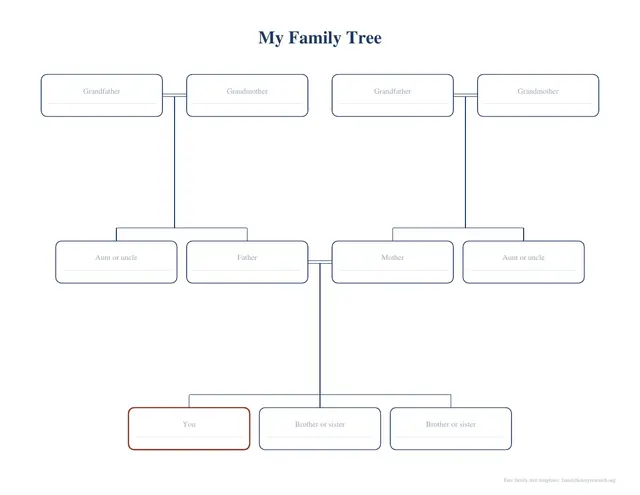
The empty boxes are where we start
Tell us about one person and the names you have, and we'll go after the generations behind them. We read the original records (census pages, draft cards, certificates, passenger lists) and write up who your people were, with every fact tied to the record it came from. One person, $49, by email within 7 days. If we can't find them in the records, you get your money back.
Start a report · $49Read a finished report
A gift that lands: order by December 12 and it reaches you before Christmas. It can be about someone who has died, or for someone living (we trace the family they came from).
How to use it
- 1
Pick a chart
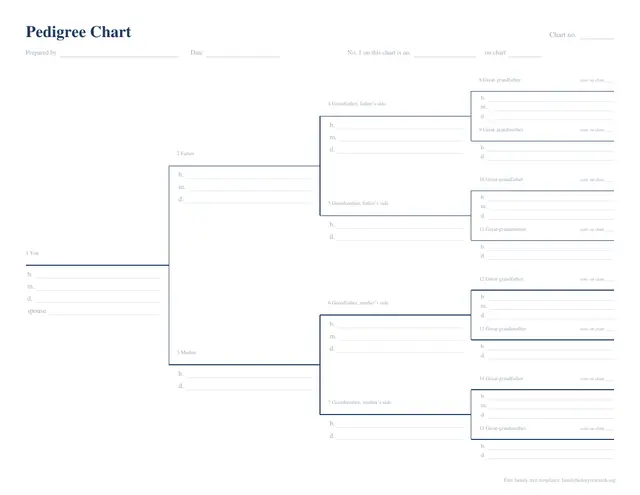
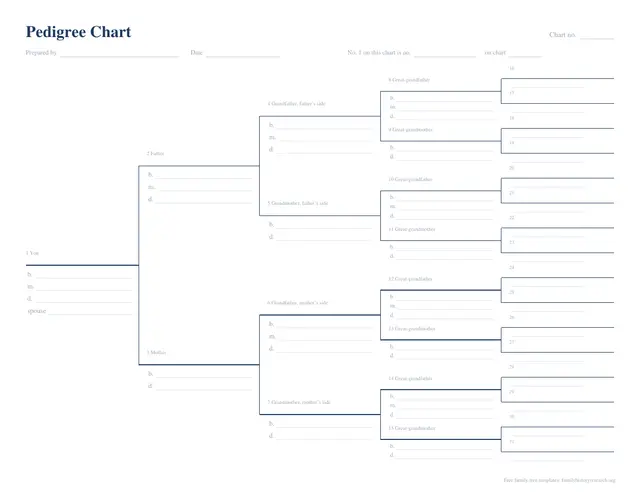
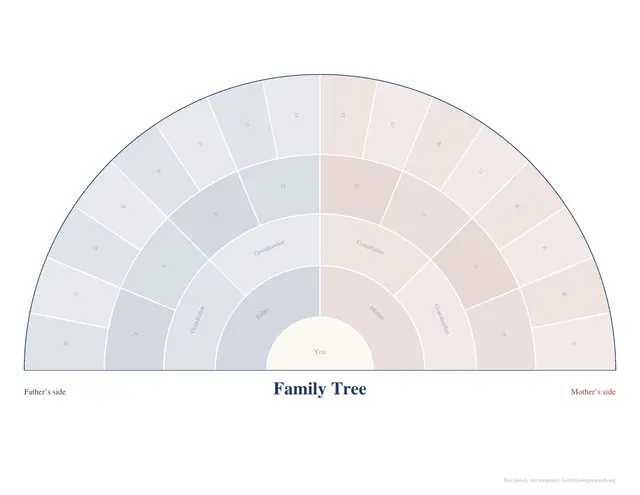
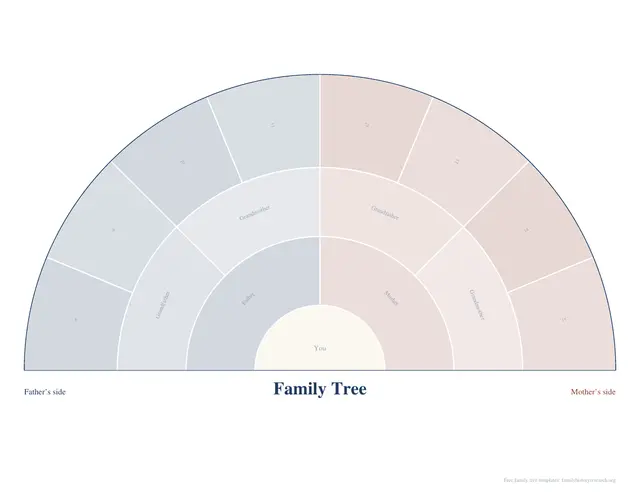
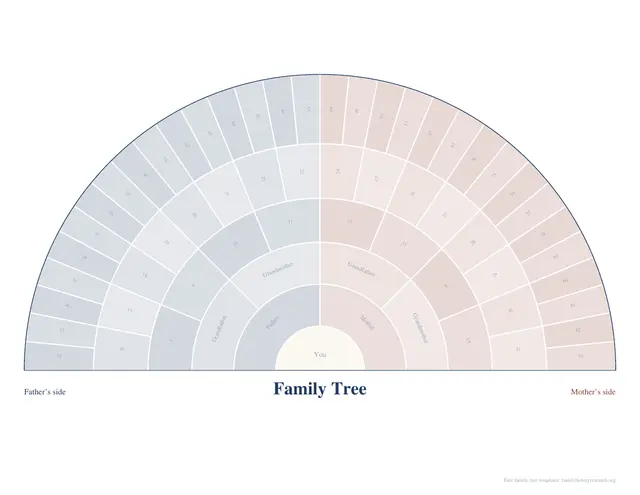
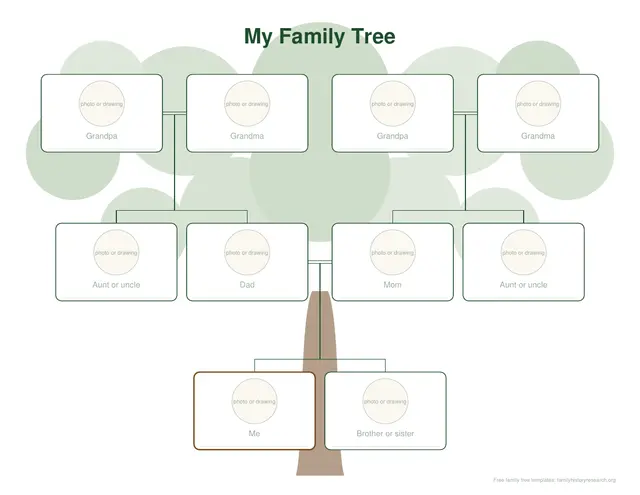
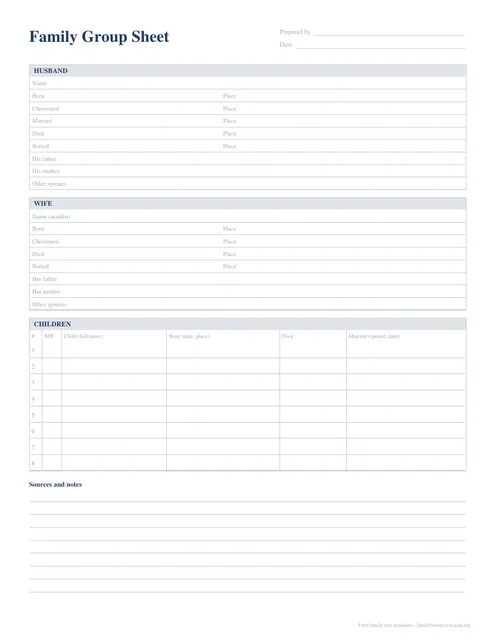
A family tree with brothers and sisters, a pedigree chart for your direct ancestors, a fan chart to frame, or a family group sheet for one couple and their children.
- 2
Type what you know
Names, dates and places, as much or as little as you have. The chart redraws as you type; empty boxes stay labeled so you can fill them in by hand later.
- 3
Download the PDF
Letter or A4, Times or Helvetica, five ink colors. It prints on any printer and stays sharp printed large. Your tree stays in this browser for next time.
Already have a tree in Ancestry, MyHeritage, RootsMagic or Family Tree Maker? Export it as a GEDCOM (.ged) file and load it into the maker: pick the person to start from and the boxes fill in from your file.
Or start from a blank template
Questions
Is it really free?
Yes. There's no account, no trial and no watermark beyond a small line at the bottom of the page saying where the chart was made. The PDF is yours to print, copy or share.
Where is my family tree saved?
In this browser, on this device, so it's still here when you come back. It isn't uploaded: we never see the names you type. To move it to another computer, export a GEDCOM from your genealogy program and load it there, or simply print the PDF.
Can I load my tree from Ancestry?
Yes, as a GEDCOM (.ged) file. On Ancestry, open Trees, choose Tree settings for your tree, then Export tree and download the GEDCOM file. It may arrive as a .zip; the maker opens the zip as it is. MyHeritage has Export to GEDCOM under Manage trees, and desktop programs have it under File → Export. Choose the person the chart should start from and every box your file has a name for fills in. The file is read in your browser and never uploaded. (FamilySearch's shared tree can't be exported as a file.)
How many generations can it show?
The pedigree chart shows 4 or 5 generations (up to 31 people) and the fan chart up to 6 (you and 62 ancestors). The family tree with siblings shows three generations, with up to nine brothers and sisters and six aunts and uncles on each side.
The example family in the maker is made up. The charts are drawn in your browser; we never see what you type.